
Emailing Customers Through The POGO System
Emailing Customers Through The POGO System
Updated 11/02/21
If we need to notify customers about a stock issue or some other kind of change, we can do so through the POGO system. This is helpful because the email comes from the POGO team (instead of a single person) and customers can respond to that email and it goes straight to our POGO Help Scout box.
- To start, open the POGO you need email from and go to the Orders tab.
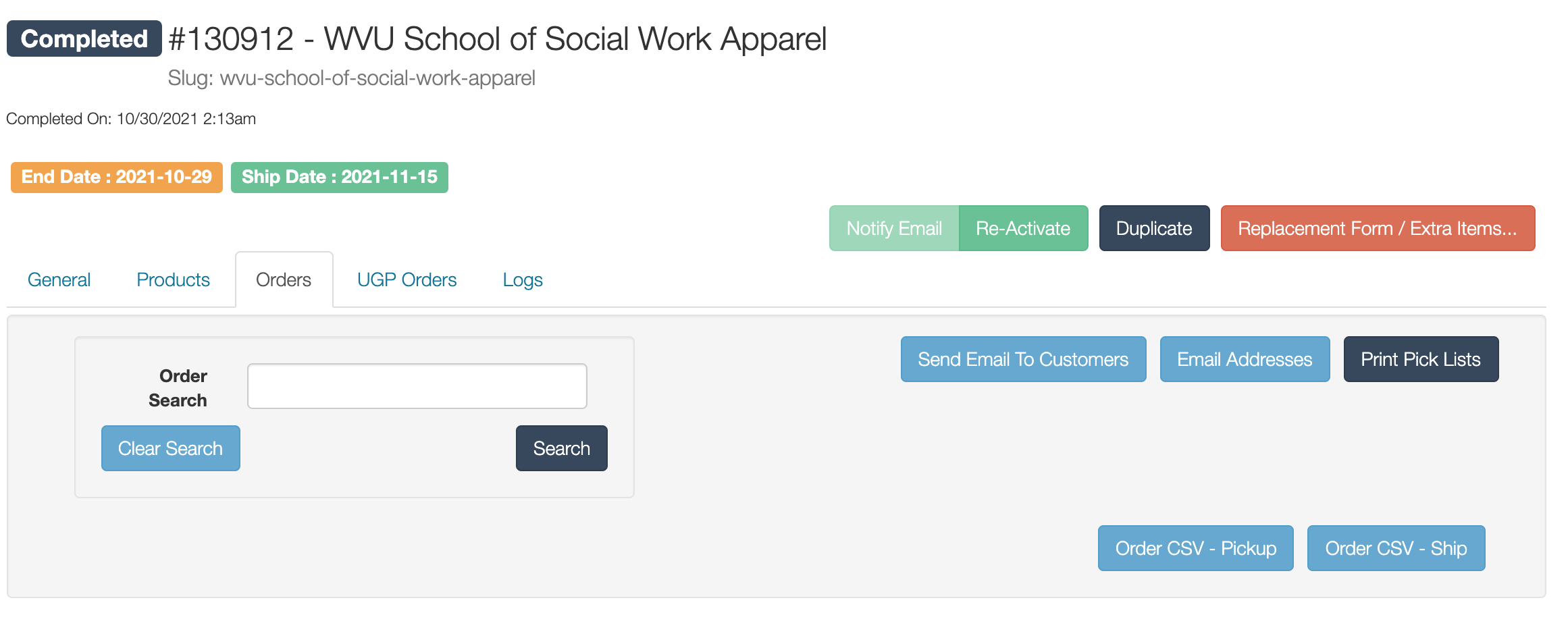
- Click the Button Send Email to Customers. You'll get a window that looks like this:
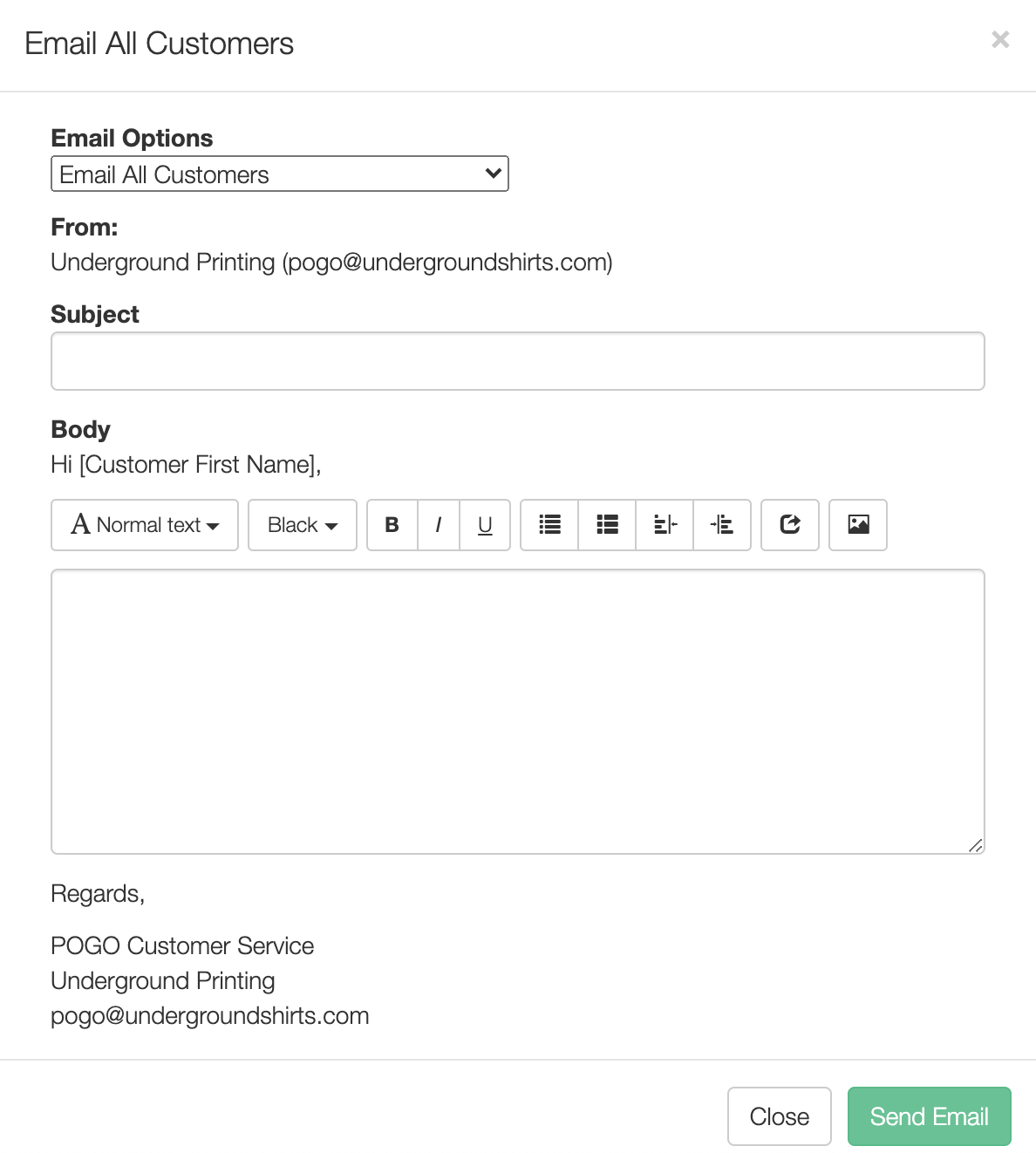
- Now we need to choose who to email. We can:
- Email all customers
- Email specific customers (you'll have to pick out their email addresses)
- Email customers with a specific product (note: this cannot be sorted by size. It will email everyone who ordered that item).
- Once you've picked the type of email you need, fill out the subject and body. Once it looks good, click Send Email.
