
Looking Up Order Details & Emailing Customer In Batches
Looking Up Order Details In Bulk
Updated 11/02/21
All POGO forms will have a spreadsheet we can download that contains all customer orders and the information that goes with them. To do this, open a POGO order and go to the Orders tab. This will have the buttons Order CSV - Pickup or Order CSV - Ship. The example below has both because this POGO form offered both delivery types.
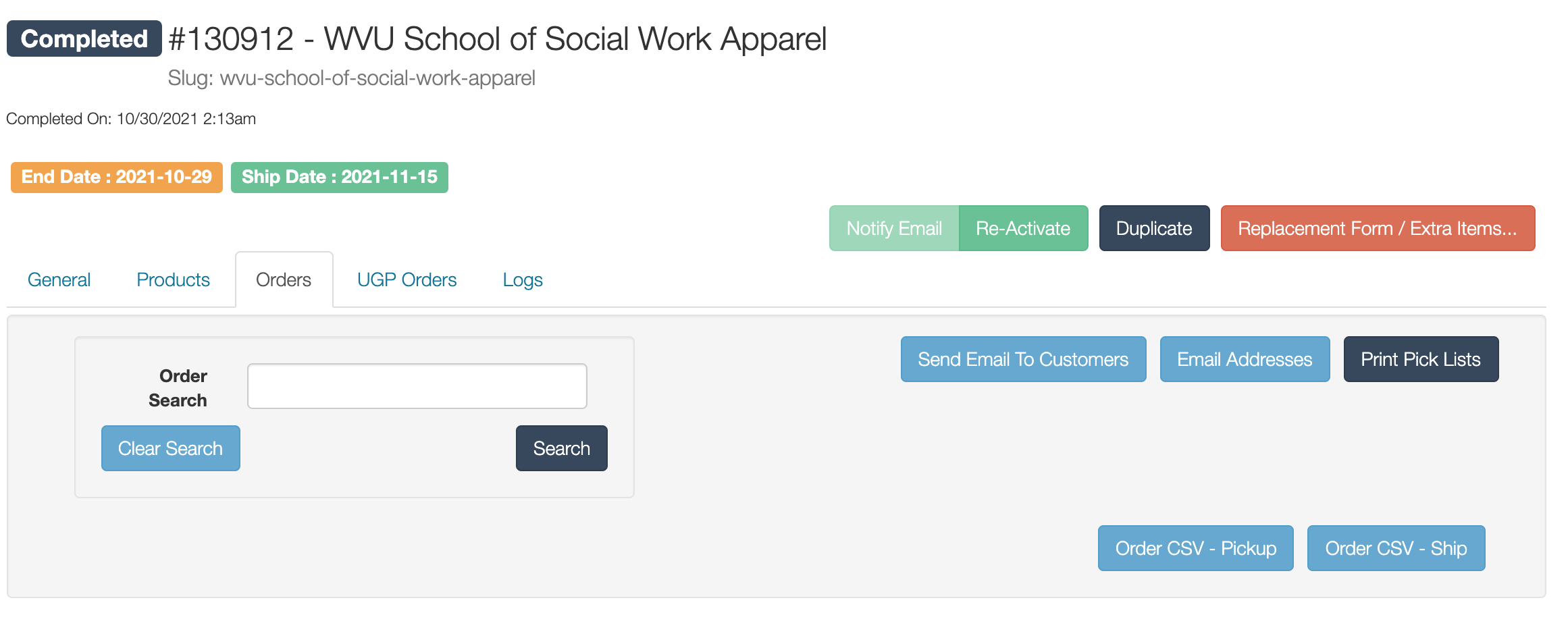
If you click either button, it will download that list of customers. There's a lot of information on that spreadsheet but the most common info we'll need is the customer name, email, order number, the item they ordered and the quantity they ordered. To find that more easily, hide these columns: B-F, H-M, O-U, X-Y. From there, you can sort the rows however you like: by item type, by customer name, etc. This is particularly helpful if you're trying to determine which customers ordered an out of stock product or something that needs to be refunded.

If you just need emails, click the Email Addresses button to access just the customer email addresses. Note: the list of addresses will not be sorted in anyway.